
You can change your cPanel password, via the Hosting Australia client area.
Changing cPanel Password Via the Client Area
The Hosting Australia Client Area offers a complete Hosting Management Control Panel. To change your cPanel password, please access the Hosting Australia client area, and follow the below steps:
- Login into the Hosting Australia client area: clients.hosting-australia.com
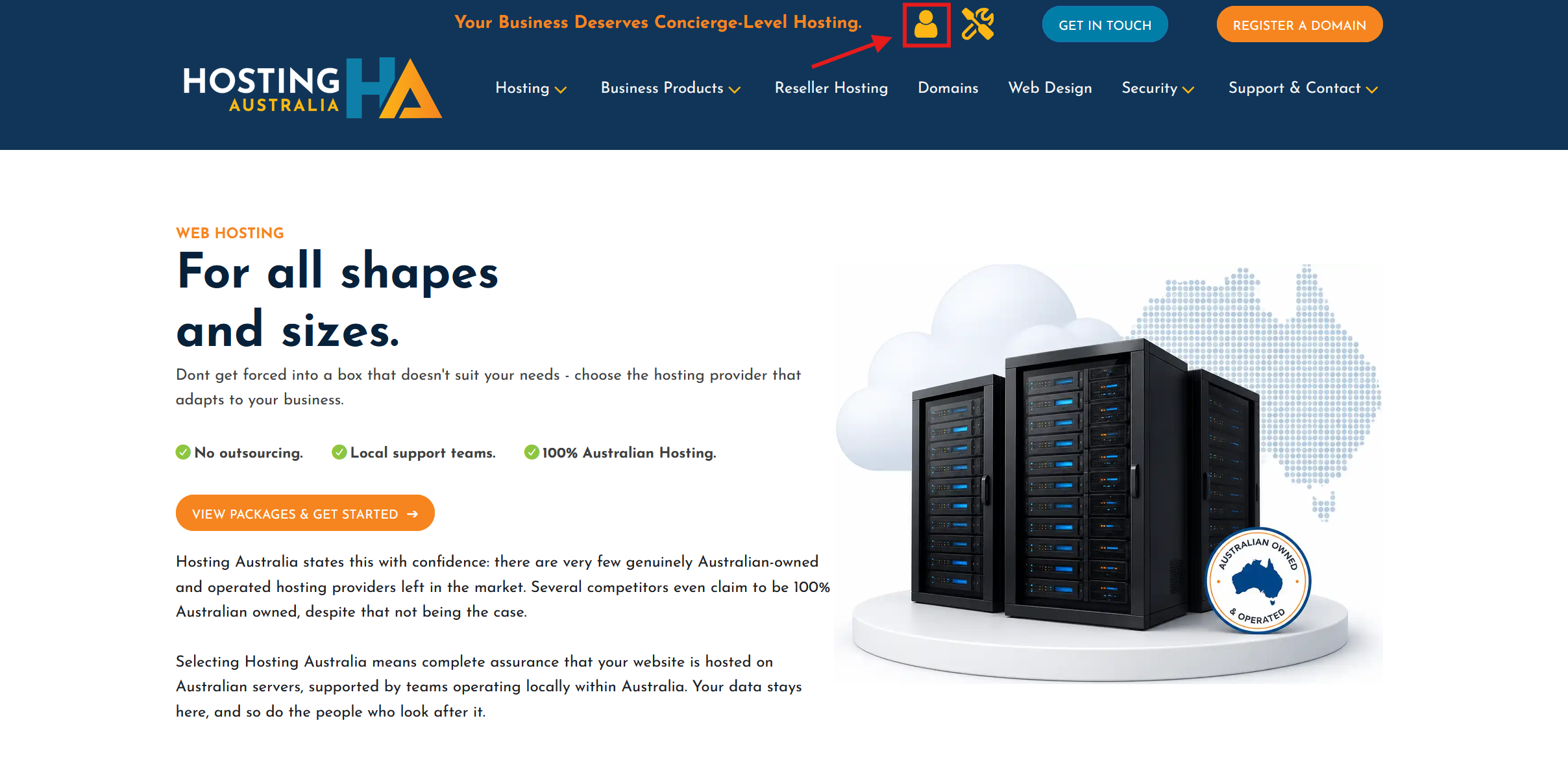
OR - Click Client Login via the hosting-australia.com homepage.
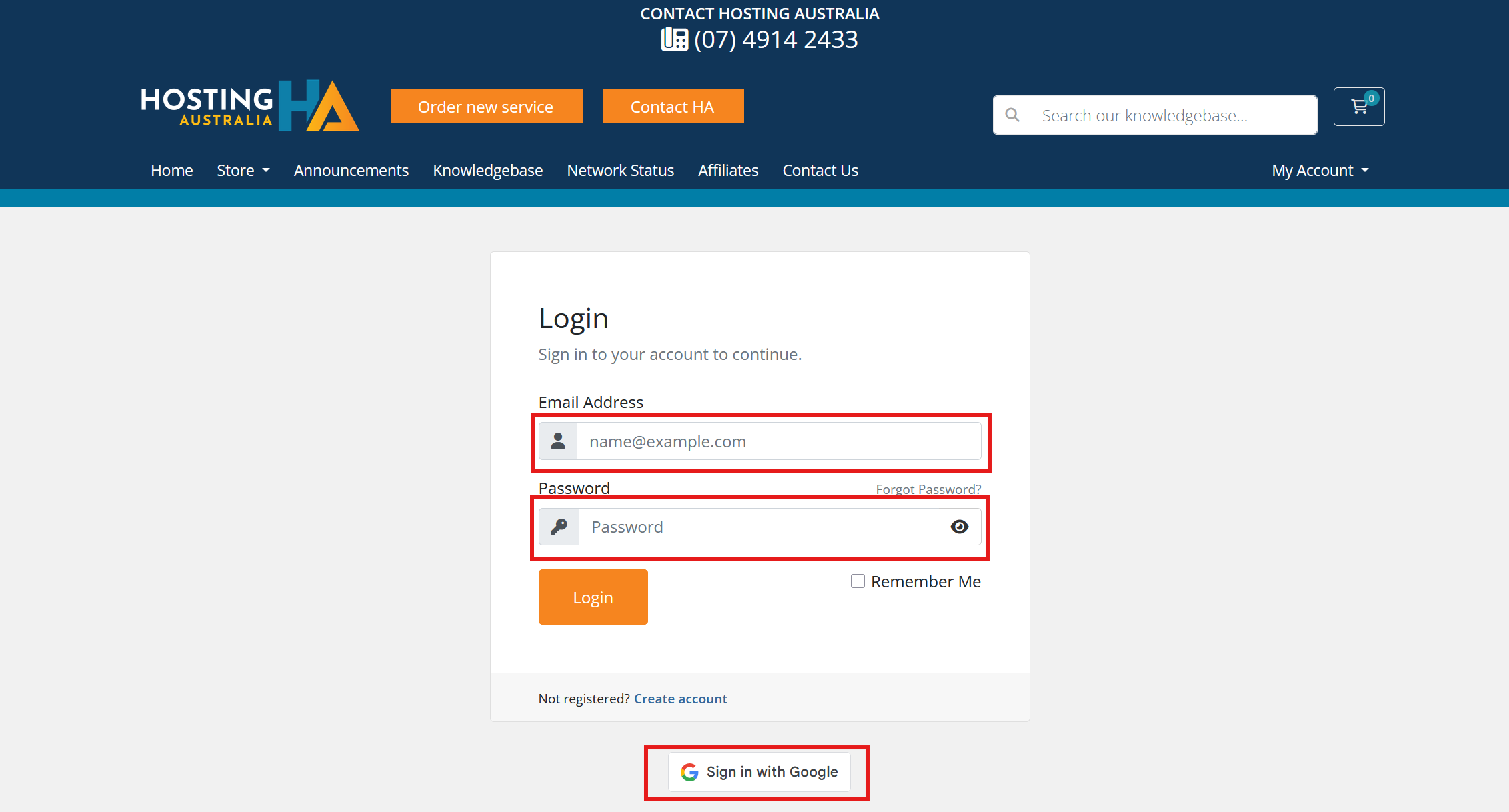
- Enter Email Address & Password or if you signed up to hosting-australia.com via Gmail, you can log in using your Gmail details..
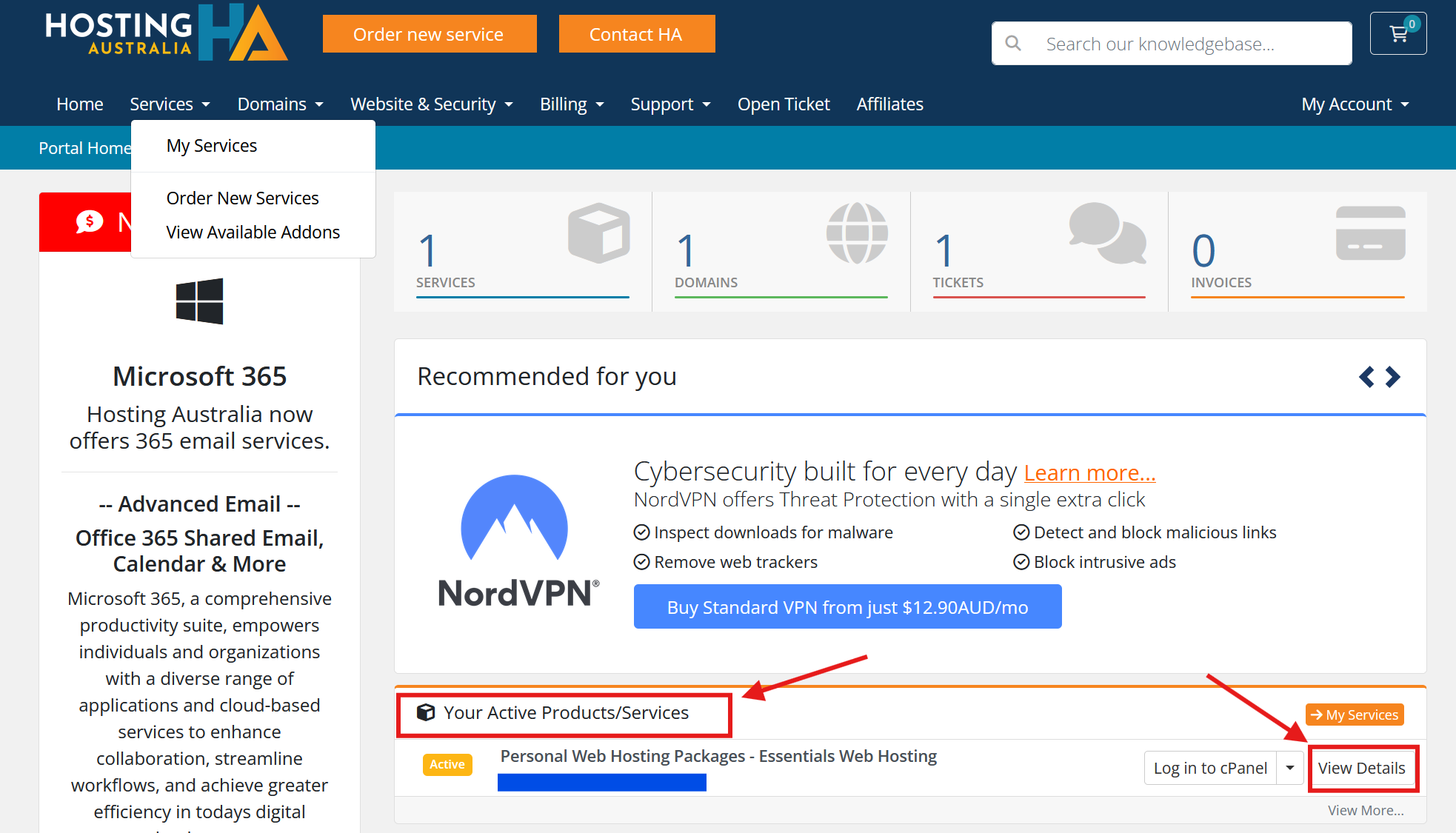
- From the Client Login Area, Look for Your Active Products/Services, then click on View Details for the specific cPanel account you want to change password.
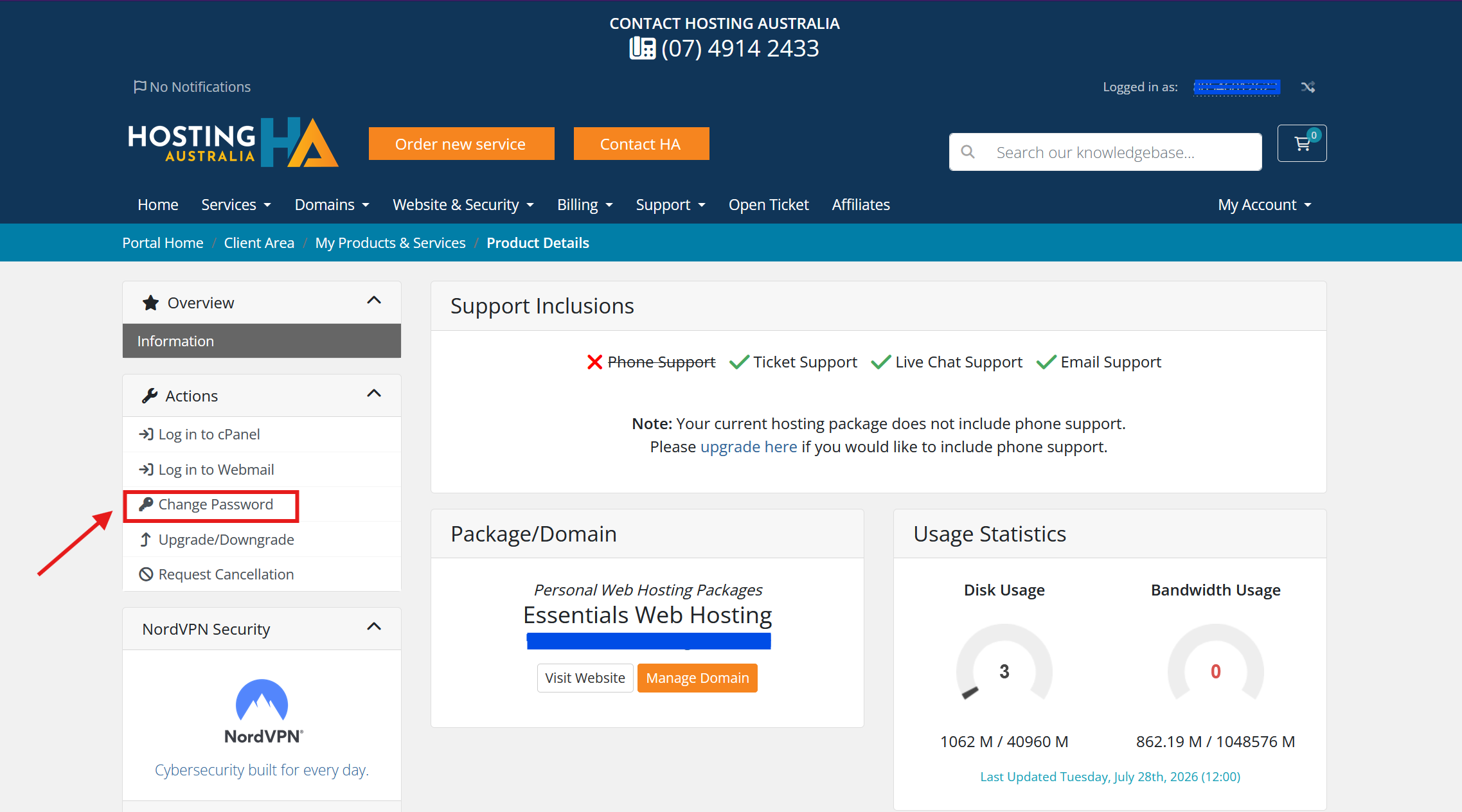
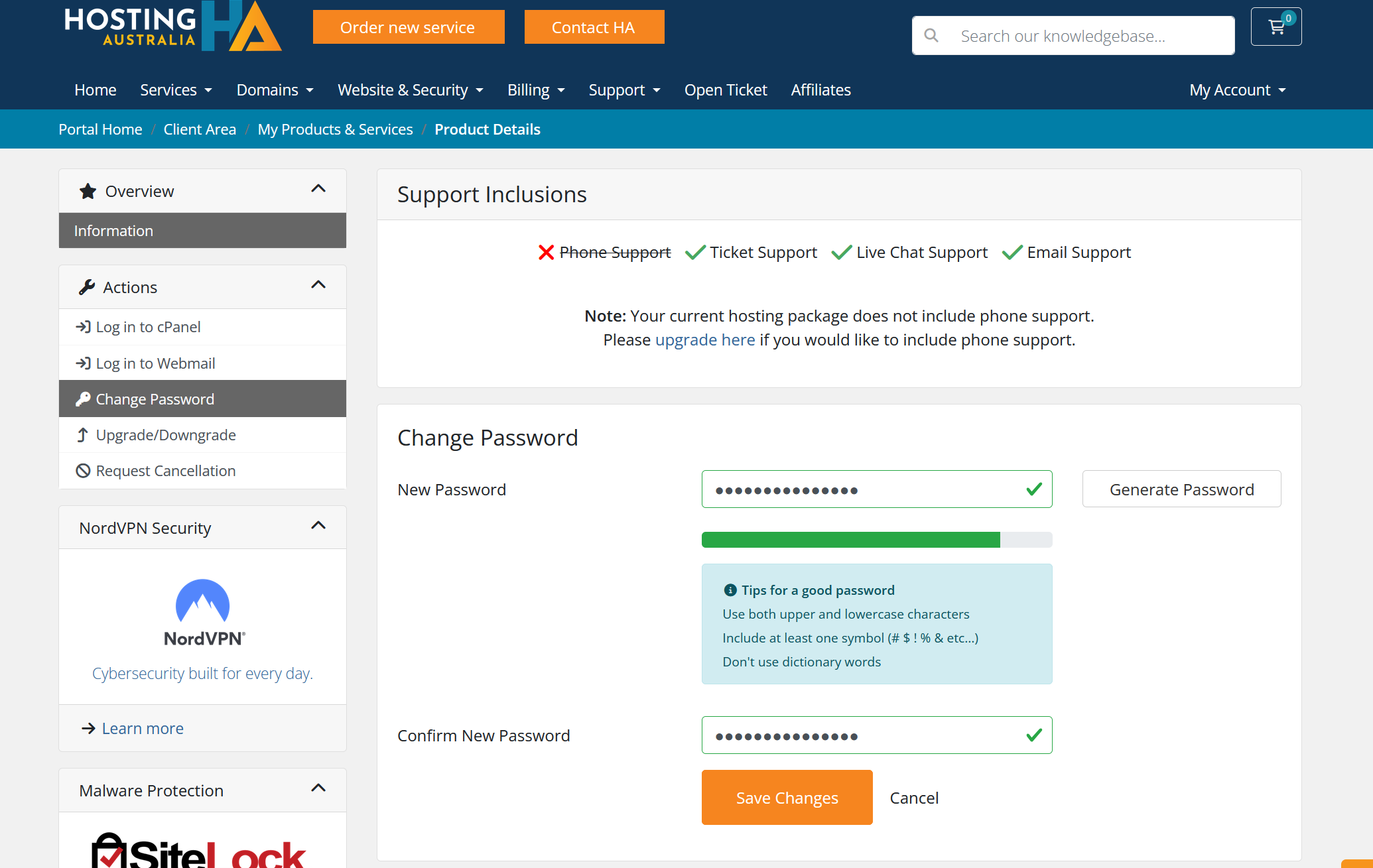
- On the Product Detail page, choose Change password from the left-hand menu. Note: if you see something other than active, such as pending or suspended, please contact Hosting Australia Support.
- Enter the new password and re-enter to confirm. Click Save Changes.
FYI: The change will take effect immediately.