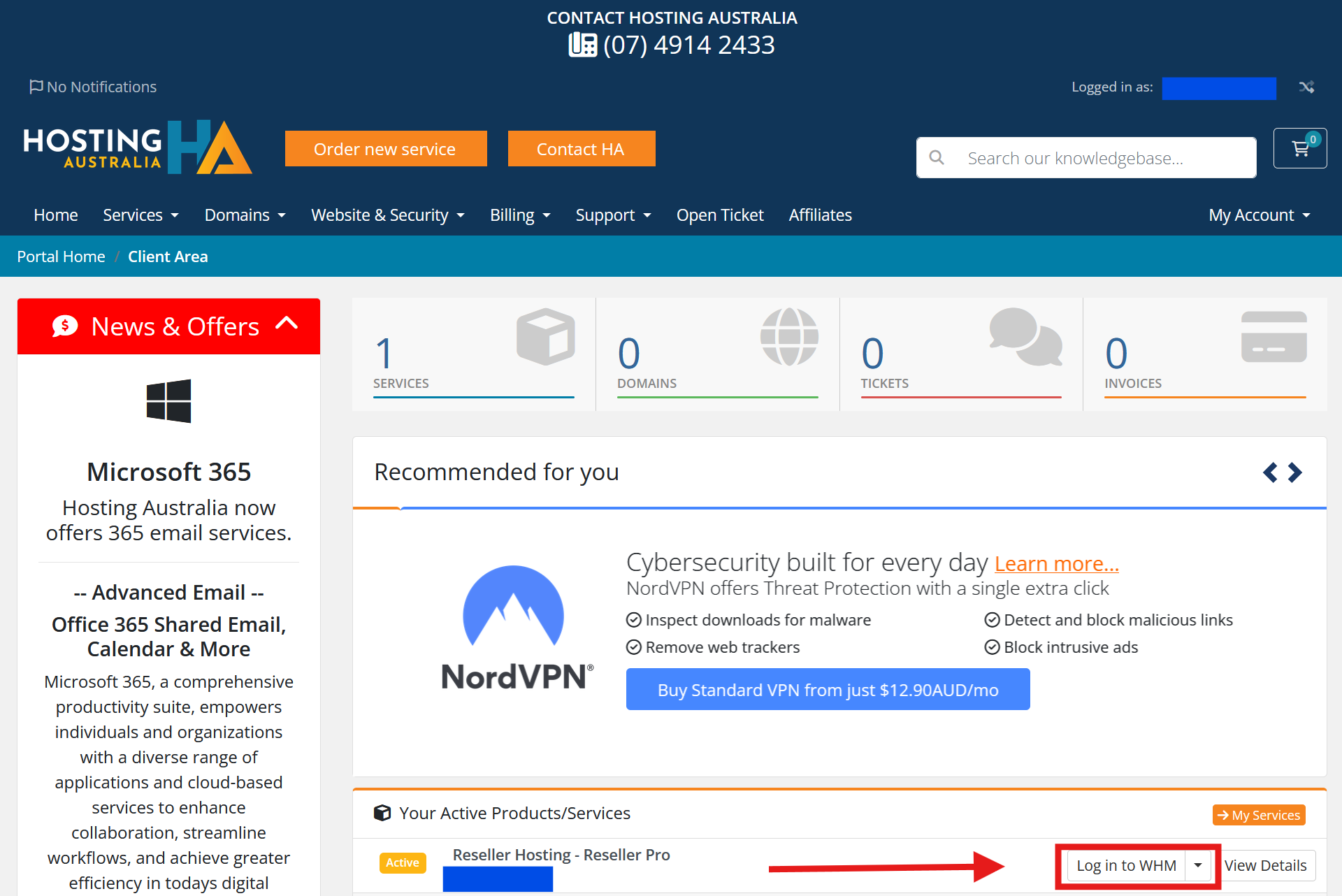
To access your WHM reseller service, you can either log in directly or via your client area.
Login Directly
To access your WHM directly, just add /whm to the end of your primary domain name that you have linked to your Hosting Australia reseller service.
For example, if you had a domain www.yourdomain.com you would enter http://www.yourdomain.com/whm
Accessing WHM via the Client Area
To access WHM via the client area, please follow the below steps:
First, you will need to have access to your client area, via clients.hosting-australia.com/clientarea (If you are not sure how to access your client area CLICK HERE)
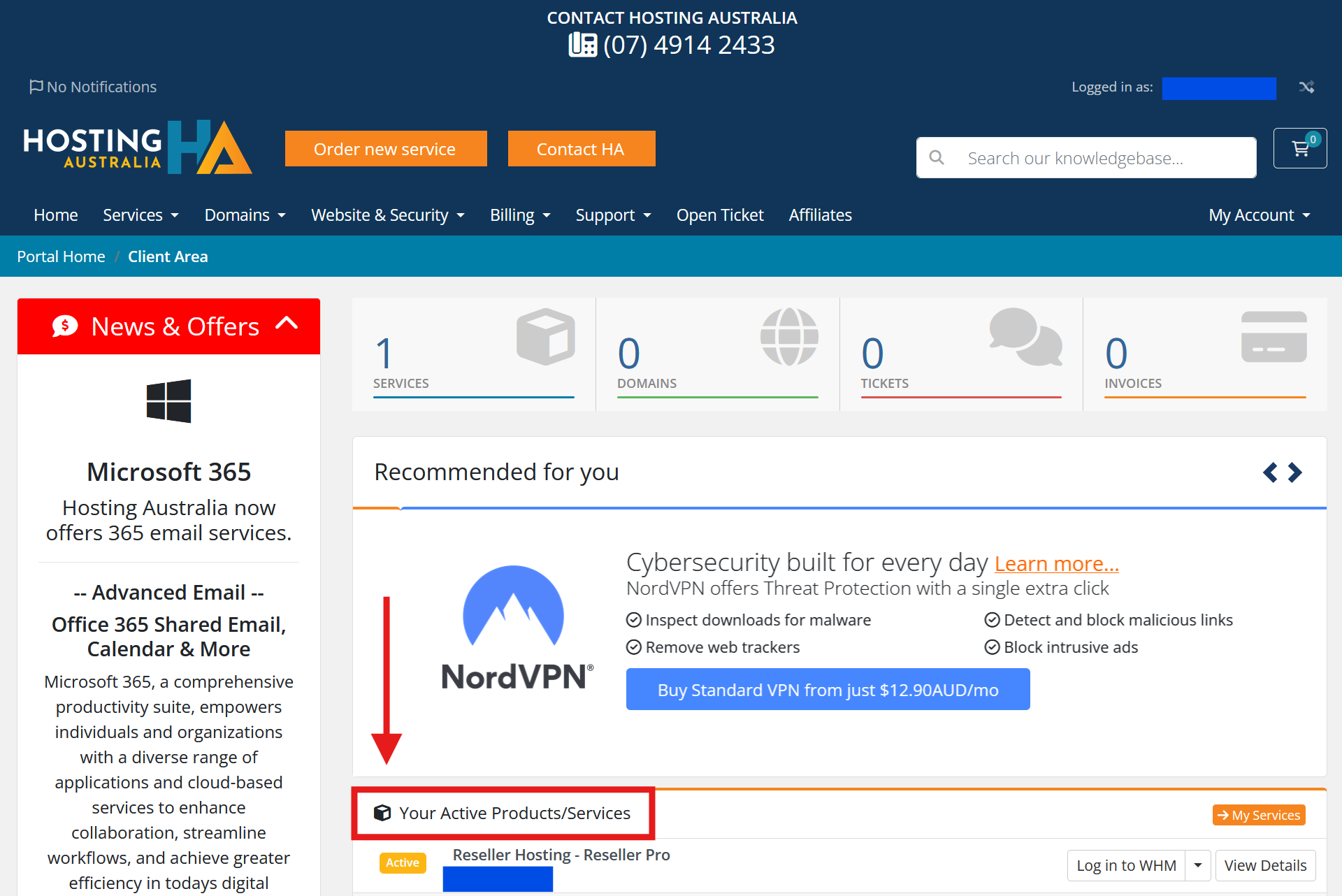
1. Once logged in, locate Your Active Products/Services.
2. Then click on Login to WHM. You will instantly be logged in to your Hosting Australia WHM account..