
Please Note: Removing an active SSL will make the site use http:// instead of https://. Browsers will show “Not secure” and any forced HTTPS redirects may break the site until you fix them.
- Login to cPanel (See THIS article for steps on how to do that)
- In cPanel, locate the Security category and the click SSL/TLS.
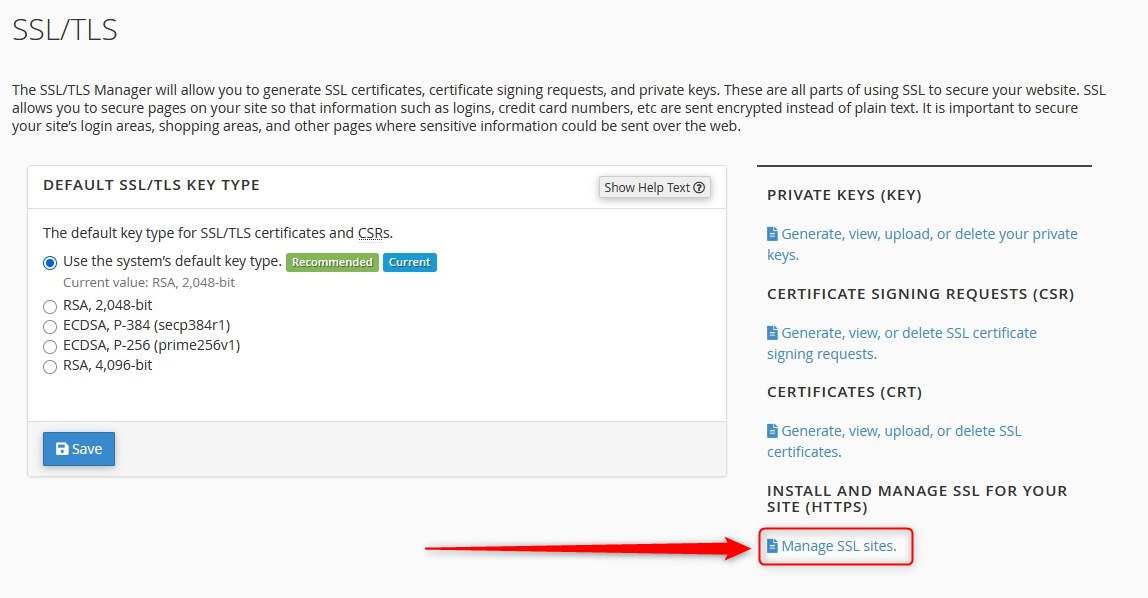
- Then click: Manage SSL sites
- Under the heading Manage Installed SSL Websites locate the SSL you wish to remove, and then click "uninstall".
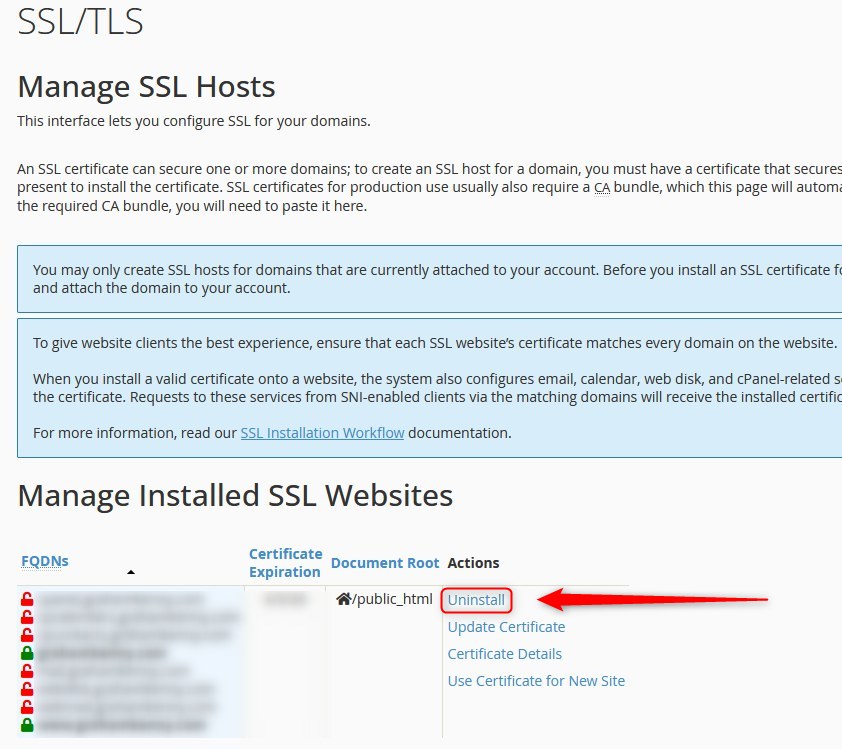
- Follow the remaining prompts to remove the SSL installation.